On This Page11
- 01Introduction: Searching the Web Isn’t Built for Kids by Default
- 02What Is the KidRex Search Engine?
- 03Core Features of the KidRex Search Engine
- 04Benefits of Using the KidRex Search Engine
- 05Limitations of the KidRex Search Engine
- 06KidRex vs Google SafeSearch
- 07Best Use Cases for KidRex
- 08How KidRex Fits Into a Broader Safety Strategy
- 09Common Misconceptions About KidRex
- 10The Bigger Picture: Teaching Search Skills Safely
- 11Conclusion: A Helpful Tool With Clear Boundaries
Introduction: Searching the Web Isn’t Built for Kids by Default
Handing a child a tablet or laptop feels routine now. Homework, curiosity, and entertainment all start with a search box. The problem is that most search engines are designed for adults, not for young users who don’t yet have the judgment or context to navigate the open web safely.
That gap is exactly where the KidRex search engine fits in.
KidRex markets itself as a child-safe search tool that filters out inappropriate content while still allowing kids to explore, learn, and ask questions freely. But how does it really work, and where does it fall short?
This guide breaks down the features, benefits, and limitations of the KidRex search engine so parents, educators, and caregivers can decide whether it’s the right choice.
What Is the KidRex Search Engine?
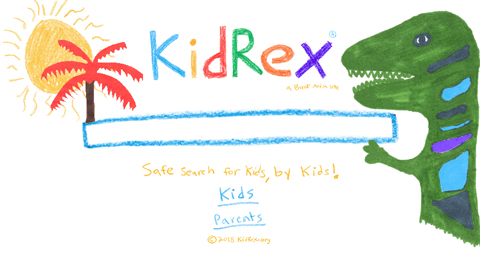
KidRex is a web-based search engine designed specifically for children. Its primary goal is to filter out adult, violent, and explicit content while delivering age-appropriate search results.
KidRex is often described as:
- A kid-friendly search interface
- A filtered version of mainstream search results
- A supplement to parental controls, not a replacement
It’s commonly used by:
- Parents at home
- Teachers in classrooms
- Schools and libraries

Core Features of the KidRex Search Engine
KidRex focuses on simplicity and safety rather than advanced functionality.
Strong Content Filtering
The defining feature of KidRex is its filtering system.
It blocks:
- Explicit adult content
- Sexual terms and imagery
- Many violent or graphic results
- Inappropriate language
Filtering is applied at the search-result level, not just image thumbnails.
This makes it safer for unsupervised or lightly supervised use, especially for younger children.
Kid-Friendly Visual Design
KidRex uses:
- Simple layouts
- Large text and buttons
- A playful dinosaur mascot
The design reduces distractions and makes the interface approachable for kids who are still developing reading and navigation skills.
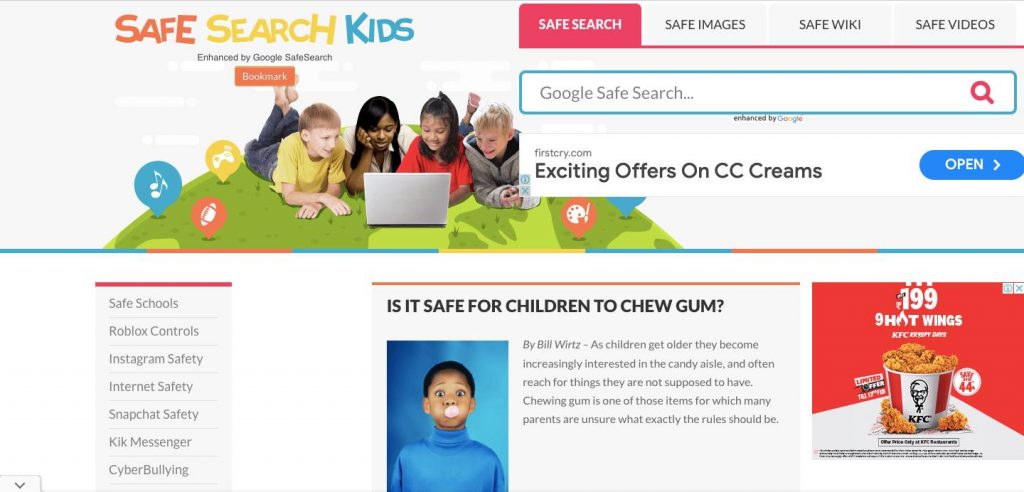
Image and Video Search With Filters
KidRex includes:
- Image search
- Video search
Both are filtered to remove inappropriate thumbnails and sources. This is especially helpful since image and video results are often where children encounter unsafe content first on mainstream search engines.
No Account Required
Children can use KidRex without:
- Creating an account
- Sharing personal information
- Logging in
This reduces friction and limits data exposure.
Works Across Devices
KidRex is browser-based, which means it works on:
- Desktop computers
- Tablets
- Smartphones
It doesn’t require software installation or special setup.
Benefits of Using the KidRex Search Engine
KidRex offers practical advantages for families and educators.
Safer Independent Searching
One of the biggest benefits is reduced risk during independent exploration.
Children can:
- Look up school topics
- Explore interests
- Search images for projects
without immediately encountering explicit material.
This makes KidRex especially useful for:
- Elementary-aged children
- Shared family devices
- Classroom environments
Simple for Parents and Teachers
KidRex doesn’t require:
- Complex configuration
- Technical knowledge
- Ongoing maintenance
You can:
- Set it as a default search engine
- Bookmark it for easy access
- Combine it with device-level controls
This simplicity lowers the barrier to safer searching.
Encourages Curiosity Without Overexposure
Rather than blocking search entirely, KidRex allows children to:
- Ask questions freely
- Explore topics naturally
- Build early research habits
It supports learning while still applying guardrails.
Useful as a First Search Tool
For younger children, KidRex often works well as:
- A first step before supervised research
- A starting point for schoolwork
- A safer alternative to open search
It introduces the concept of searching without exposing kids to the full internet too early.
Limitations of the KidRex Search Engine
No child-safe search engine is perfect. KidRex has important limitations parents should understand.
Filtering Is Not Foolproof
KidRex does a good job, but no filter catches everything.
Limitations include:
- Contextually sensitive topics may still appear
- Educational content may include complex themes
- Some borderline material can slip through
This is why KidRex should supplement supervision, not replace it.
Less Comprehensive Than Mainstream Search
Because of filtering and simplified indexing:
- Results may be less detailed
- Some topics return fewer sources
- Advanced or niche queries may underperform
For older children or teens, this can become frustrating.
Not Designed for Teen or Adult Research
KidRex is best suited for younger users.
It is not ideal for:
- High school–level research
- In-depth academic topics
- Professional or technical queries
At some point, children will outgrow it.
Limited Customization
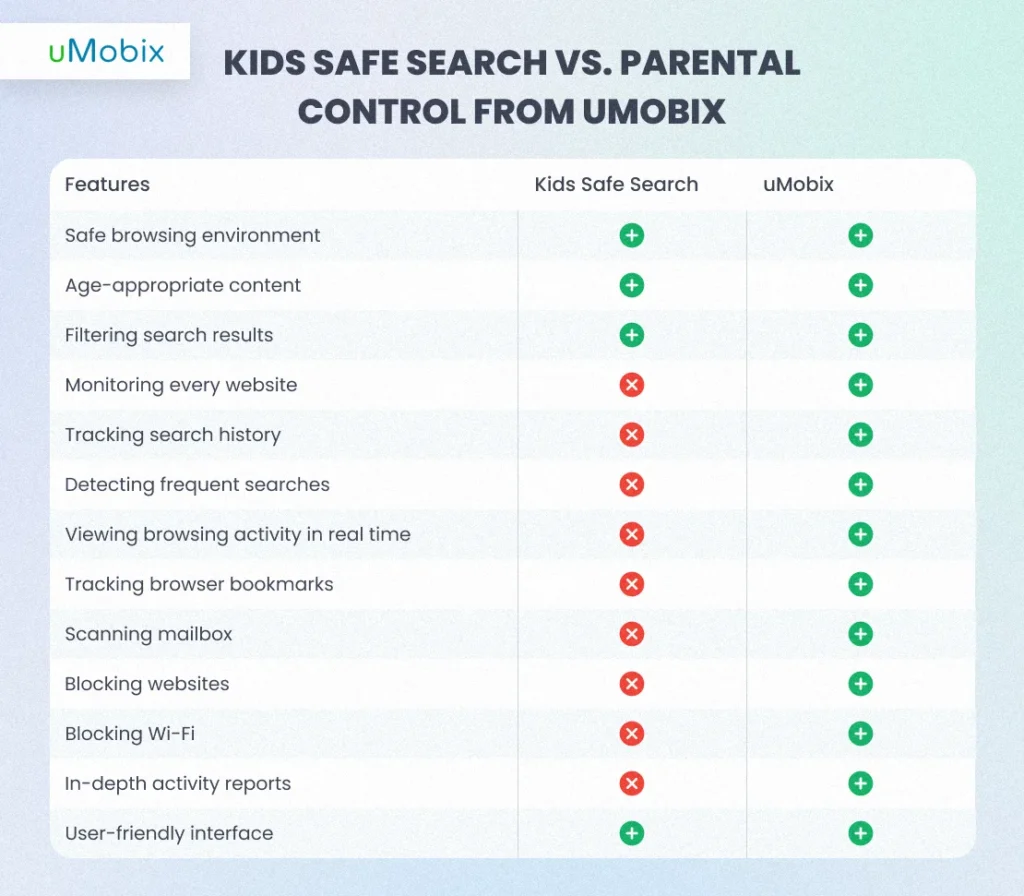
Unlike some parental control tools, KidRex does not offer:
- Custom keyword block lists
- Age-level tuning
- Detailed activity reports
It’s intentionally simple, but that simplicity limits control.
Privacy Is Basic, Not Advanced
While KidRex does not require accounts, it also does not position itself as a privacy-first platform.
Parents concerned about:
- Search data handling
- Long-term tracking
- Advanced privacy protections
may want to combine KidRex with device-level privacy tools.
KidRex vs Google SafeSearch
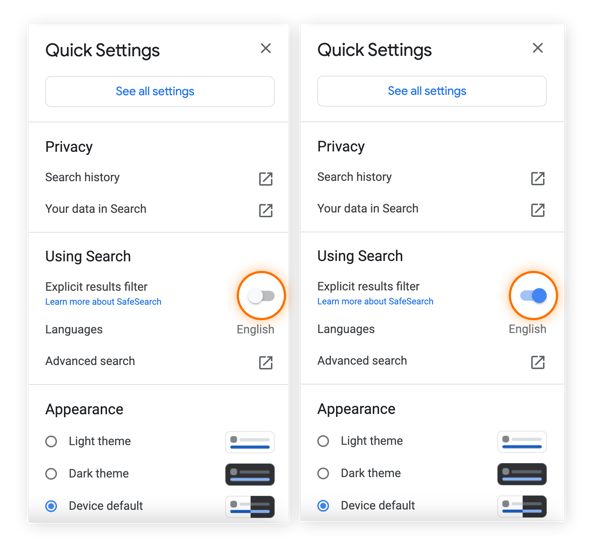
Many parents ask whether KidRex is better than Google SafeSearch.
Key differences:
- KidRex is built specifically for children
- Google SafeSearch is an adult platform with filters applied
- KidRex uses a child-oriented interface and stricter defaults
Google SafeSearch offers broader results but requires more supervision. KidRex sacrifices breadth for safety.
Best Use Cases for KidRex
KidRex works best when used intentionally.
Ideal scenarios include:
- Elementary school homework
- Shared family computers
- Classroom browsing activities
- First-time internet users
It is less suitable as a long-term solution for older children.
How KidRex Fits Into a Broader Safety Strategy
KidRex should be viewed as one layer, not the entire solution.
A balanced approach includes:
- KidRex or similar child-safe search engines
- Device-level parental controls
- Browser and app restrictions
- Ongoing conversations about safe internet use
Technology helps, but guidance matters more.
Common Misconceptions About KidRex
“KidRex makes the internet completely safe.”
It reduces risk but doesn’t eliminate it.
“It replaces parental involvement.”
It does not. Supervision is still important.
“It’s only for very young kids.”
It works best for younger children, but usage depends on maturity.
“Nothing inappropriate can appear.”
Filters help, but no system is perfect.
The Bigger Picture: Teaching Search Skills Safely
Kid-safe search engines are not just about blocking content. They’re about teaching children how to search responsibly.
Starting with tools like KidRex helps kids:
- Learn how to phrase questions
- Evaluate basic results
- Build confidence online
As they grow, those skills transfer to more open platforms.
Conclusion: A Helpful Tool With Clear Boundaries
The KidRex search engine offers a simple, approachable way to make web searching safer for children. Its strengths lie in strong default filtering, a kid-friendly interface, and ease of use.
At the same time, it has clear limitations. It’s not a replacement for parental guidance, not ideal for older students, and not a guarantee against all inappropriate content.
Used thoughtfully, KidRex can be a valuable part of a child’s early digital experience.
If you’re evaluating child-safe search tools, educational technology, or digital safety strategies for families or schools, fill out our contact form or reach out to us today. We help parents and organizations make informed choices about technology that supports learning and safety.

